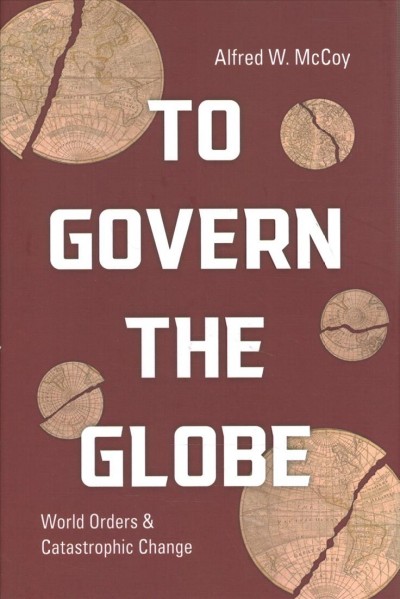
To Govern the Globe, World Orders & Catastrophic Change, Alfred W. McCoy, 2021
Indeed, the Iberian (Spain and Portugal) vision of expansive sovereignty — acquisition of terrain by conquest and oceans by exploration — would continue under Dutch and British hegemony, illustrating the capacity of these global systems to survive the empires that created them…Thanks to the British and Dutch decisions to strip their colonial subjects of civil liberties and carry the transatlantic slave trade to new heights, the Iberian hierarchy of human inequality would, in all its cruelty and tragedy continue.
In the years following the (Dutch) East India Company’s founding in 1602, the city’s (Amsterdam) dynamism led to a host of financial innovations that soon made it… “the clearinghouse of world trade”. The new Bank of Amsterdam took deposits, transferred funds trans nationally and later stored vast quantities of precious metals in its vaults, helping make the city “Europe’s reservoir of gold and silver coin.” The Chamber of Maritime Insurance offered coverage for dozens of dangerous destinations, while the newspaper Amterdamsche Courant gave the city’s merchants critical information about the prices of goods arriving from those distant shores. Amsterdam also built the world’s first stock exchange, where up to five thousand met to trade more than four hundred commodities around a central courtyard that became “the nerve center of the entire international economy.”
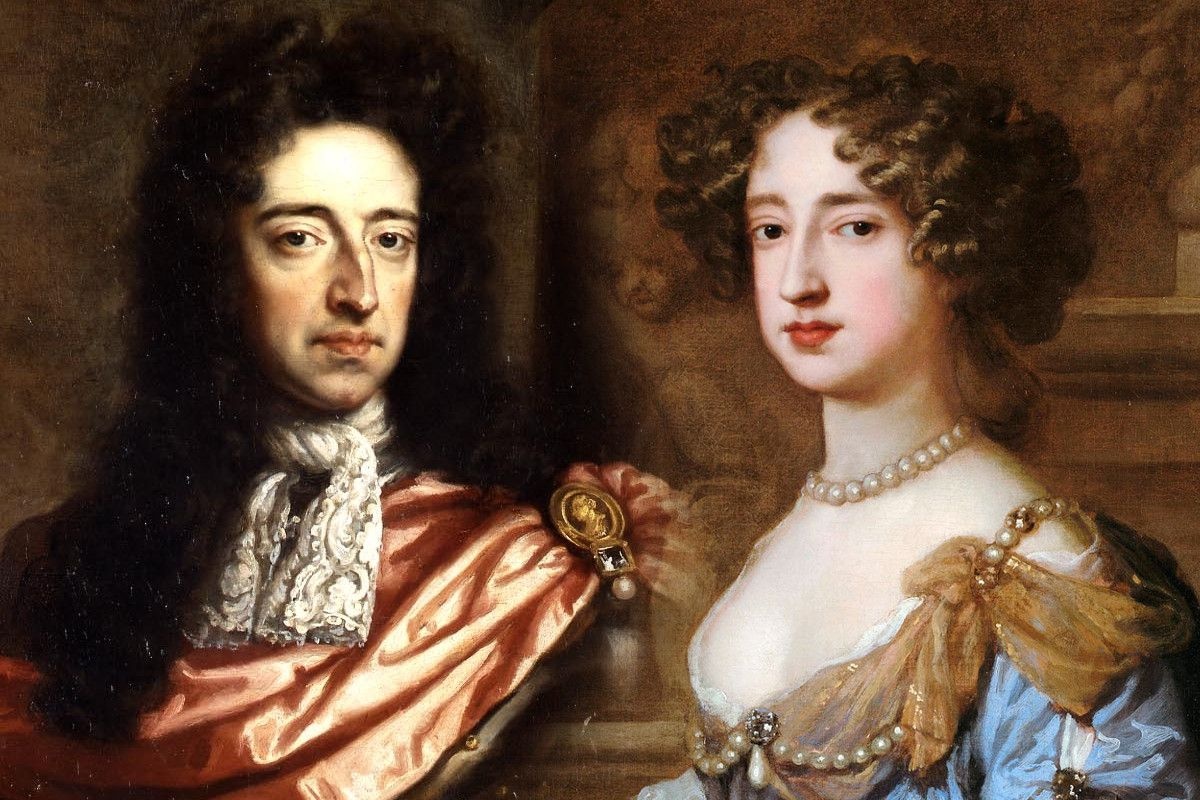
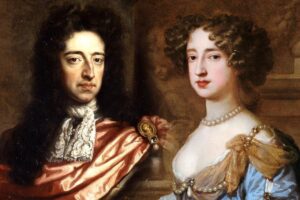 William III Mary II
William’s (of Orange) reign also witnessed a modernization of the British economy along Dutch lines, exemplified by the founding of the Bank of England, the London Stock Exchange, and a profusion of private banks, insurance companies, and joint stock firms.
Coal was the catalyst for an industrial revolution that fused steam technology with steel production to make Britain master of the world’s oceans
Each step in slavery’s eradication was foreshadowed by a new stage in Britain’s use of coal-fired energy–including the introduction of steam power in mills and mines by the time Parliament banned the slave trade in 1807; the development of mobile steam engines for land and sea transport prior to the Later, abolition of West Indies slavery in 1833; and the adoption of coal powered steam power in almost all British industries by the 1850’s, when the Royal Navy’s anti-slavery patrols reached their coercive climax. Later, new forms of fossil energy — electricity and internal combustion engines — would render even the coerced labor of the imperial age redundant.
By the end of the nineteenth century, the Swedish physicist Svante Arrhenius would publish the first report on the capacity of industrial emission to cause global warming. By countless hours of painstaking manual calculations, he predicted with uncanny prescience and considerable precision “the temperature in the arctic regions would rise about 8 degrees to 9 degrees C., if the [carbon dioxide] increased 2.5 or 3 times its present value.”
Britain was the world’s preeminent power for more than a century, but its dominance nevertheless evolved through two distinct phases. From 1815 to 1880 it largely oversaw an “informal empire” with a loose hegemony over client states worldwide. In the period of “high imperialism” from 1880 to 1940, however the empire combined informal controls in countries like China, Egypt, and Iran with direct rule over colonies in Africa and Asia to encompass a full half of all humanity.
Parliament rescinded mercantilist laws that had protected British commerce for centuries, starting with the abolition of the (British) East India Company’s monopolies on Asian trade.
British engineers built the world’s first major central power plant at Deptford, London in 1888, capable of lighting two million electric bulbs. As electrical plants spread quickly, their generators were powered by the first coal-fired steam turbines…tying a knot between coal and electricity that persists to this day.
By century’s end (19th), discoveries (Iran, Indonesia, Burma) had created a sufficient supply of oil to enable a shift from steam to internal combustion engines in ships, trains, automobiles, and ultimately, aircraft.
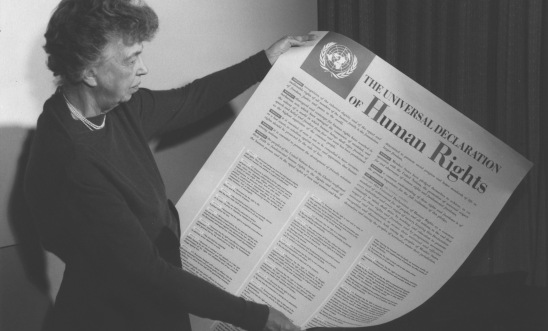 Eleanor Roosevelt Universal Declaration of Human Rights
In fulfilling this commitment to human rights (The UN’s Universal Declaration of Human Rights 1948), the United States would face some exceptional challenges. Unlike earlier imperial powers, it was, after all, a former colony with a long history of slavery and a succeeding system of racial segregation that would compromise its commitment to those principle at home. As its global power grew during these postwar decades, Washington would cultivate anti-Communist allies among authoritarian leaders in Asia, Africa, and Latin America, tacitly endorsing torture and repression in their lands. Even as the US practiced racial segregation at home and backed ruthless dictators abroad, civil society groups worldwide would continue to fight for human rights, just as African Americans would struggle for their civil rights at home, making this universal principal a defining attribute of Washington’s world order, almost in spite of itself.
By the time Washington’s world order was fully formed in the late 1950’s, the unequal power of its nuclear-armed bombers, its countless overseas military bases, and its covert interventions in the affairs of countless nations coexisted tensely with a new world order, epitomized by the UN, that was meant to protect the sovereignty of even small states and promote universal human rights. This underlying duality of Washington’s version of world power would manifest itself in numerous contradictions during its 70 years of global hegemony.
Washington’s visionary world order took form at two major conferences — at Breton Woods, New Hampshire, 1944 where 44 Allied nations forged an international financial system exemplified by the World Bank, and at San Francisco in 1945, where they drafted a charter for the UN that created a community of nations. The old order of competing empires, closed imperial trade blocs, and secret alliances would soon give way to an international community of emancipated colonies, sovereign nations, free trade, and peace through law. In essence, the UN charter’s many clauses rested on just two foundational principles that would soon become synonymous with Washington’s world order; inviolable national sovereignty and universal human rights.
Between 1945 and 2000, the US intervened in 81 consequential elections worldwide, including eight times in Italy, five in Japan, and many more in Latin America. Between 1958 and 1975, military coups, many of them American sponsored, changed governments in three dozen nations — a quarter of the world’s sovereign states — fostering a distinct “reverse wave” in the global trend toward democracy.
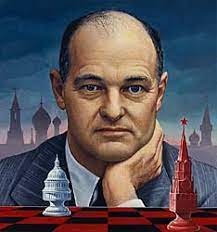 George Kennan supported covert operations
George Kennan, State Department official later called the creation of the CIA with authorization to conduct covert operations “The greatest mistake [he] ever made.
President Truman tried to limit the newly created CIA to intelligence gathering only with no authorization for covert activities. Allen Dulles maneuvered Frank Wisner into position as OPC Chief and by 1952 OPC was operating 47 overseas stations and employed 3000 people. It specialized in the black arts of espionage sabotage, subversion, and assassination. When Eisenhower became president in 1953, Kermit Roosevelt led the overthrow of the elected President of Iran and installation of the Shaw.
Throughout its rise to world power from 1820 to 1870, Britain increase its share of gross world product by just 1 percent per decade, while America’s rose by 2 percent during its accent from 1900 to 1950. By contrast, China was increasing its slice of the world pie at an extraordinary pace of 5 percent from 2000 to 2020.
…the accounting firm PriceWaterhouseCoopers calculated that China’s economic output had already surpassed America’s in 2014 and was on a trajectory to become 40 percent larger by 2030.
Across Europe, hypernationalist parties like the French National Front, Greece’s Golden Dawn, Alternative for Germany, and the British Independence Party won voters by cultivating nativist reactions to just such trends, often attacking the economic globalization that had become a hallmark of Washington’s world order. Simultaneously, a generation of populist demagogues won power in nominally democratic nations around the world — notably Viktor Orban in Hungary, Vladimir Putin in Russia, Recep Tayyip Erdogan in Turkey, Narendra Modi in India, Rodrigo Duterte in the Philippines, and of course, Donald Trump in the United States.
While a weakening of Washington’s global reach seems likely, the future of its world order is still unclear. At present, China is the sole state to have most (but not all) of the requisites to become a new global hegemon. Its economic rise coupled with its expanding military and growing technological prowess under the “Made in China 2025” program, has given it many of the elements fundamental to superpower status…Yet, as the 2020s began, no state seemed to have both the full panoply of power to supplant Washington’s world order and the skill to establish global hegemony. Indeed, apart from its rising economic and military clout, China has a self referential culture, recondite non roman script (requiring 4000 characters instead of 26 letters), nondemocratic political structures, and a subordinate legal system that will deny it some of the chief instruments for global leadership.
Successful imperial transitions driven by the hard power of guns and money also require the soft power salve of cultural suasion if they are to achieve sustained and successful global domination. During its near century of hegemony from 1850 to 1940, Britain was the exemplar par excellence of soft power, espousing an enticing political culture of fair play and free markets that it propagated through the Anglican church, the English language and its literature, mass media such as the British Broadcasting Corporation, and it virtual creation of modern athletics (including cricket, soccer, tennis, rugby, and rowing). Similarly, US military and economic domination after 1945 was made more palatable by the appeal of Hollywood films, civic organizations like Rotary international, and popular sports like basketball and baseball. On the higher plane of principle, Britain’s anti-slavery campaign invested its global hegemony with moral authority, just as Washington’s advocacy of human rights lent legitimacy to its world order…China still has nothing comparable. Both its communist ideology and its popular culture are avowedly particularistic.
China has been a command economy state for much of the past century, and as such has developed neither the legal culture of an independent judiciary nor an autonomous rules-based order complementary with the web of law that undergirds the modern international system.
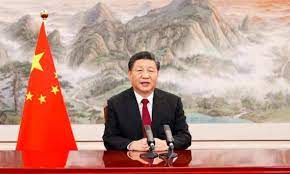 Xi Jiping – Zhōngguó (China) is translated as Middle Kingdom
If, however, Bejing’s potentially immense infrastructure investments, history’s largest by far, succeed in unifying the commerce of three continents, then the currents of financial power and global leadership may indeed flow, as if by natural law, toward Beijing. But if that bold project falters or ultimately fails, then for the first time in five centuries, the world could face an imperial transition without a clear successor as global hegemon.
From scientific evidence, it seems clear that, for the first time in seven hundred years, humanity is facing another cumulative, century long catastrophe akin to the Black Death of 1350 to 1450 that could once again rupture a global order and set the world in motion…If the “Chinese century” does indeed start around 2030, it is unlikely to last long, ending perhaps sometime around 2050 when the impact of global warning becomes unmanageable. With its main financial center at Shanghai flooded and its agricultural heartland baking in insufferable heat, China’s days as a global power will be numbered.
Given that Washington’s world system and Beijing’s emerging alternative are largely failing to limit carbon emissions, the international community will likely need a new form of collaboration to contain the damage. In the years following the Paris climate accord, the current world system — characterized by strong nation-states and weak global governance at the UN — has proven inadequate to the challenge of climate change. The 2019 Madrid climate summit failed to forge a collective agreement for emission reduction sufficient to cap global warming to 1.5C, largely due to the obstruction of major emitters like Australia, Brazil, China, India, and the United States. Any world order, whether Washington’s or Beijing’s that is based on primacy of the nation-state will probably prove incapable of coping with the political and economic crisis likely to arise from the appearance of some 275 million climate refuges by 2060 or 2070.